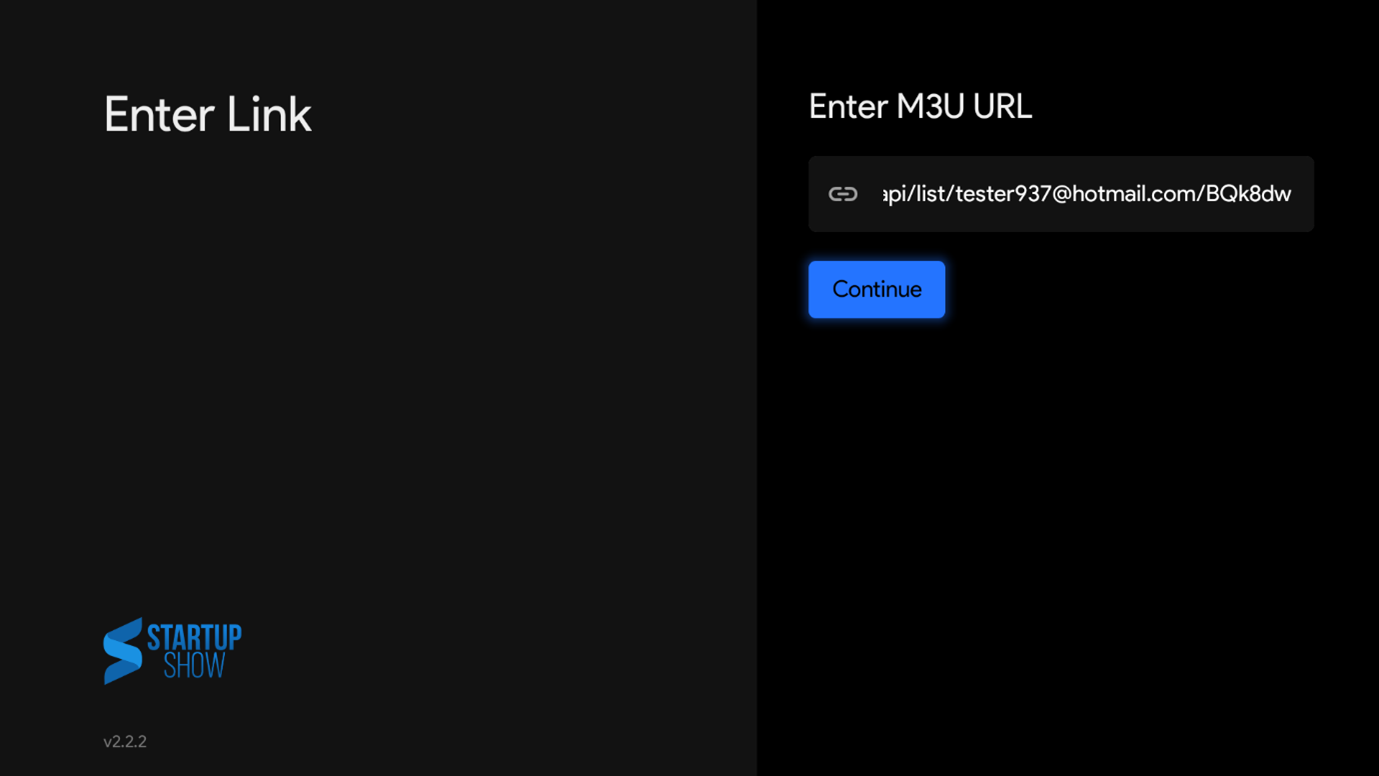
To install the correct version of Dtech TV on your android device follow these steps.
Step 1: Open a web browser in your android box
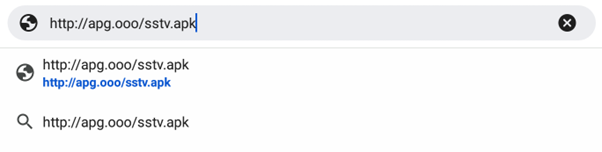
Step 2: Type the URL: http://apg.ooo/sstv.apk → Click Enter, you will see at the top of your screen an arrow icon downloading the apk file.
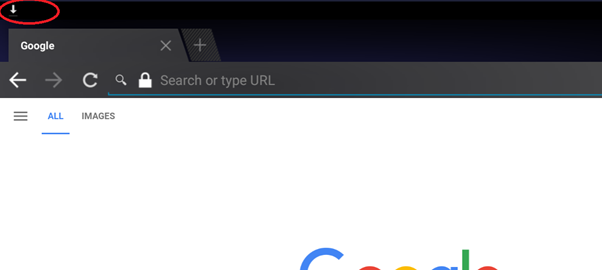
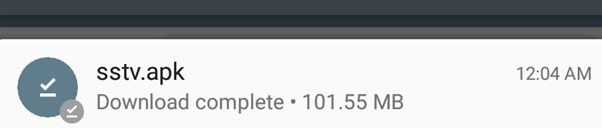
Step 3: Once download is complete you can scroll down the menu from the top using the mouse, and click on the SSTV.APK
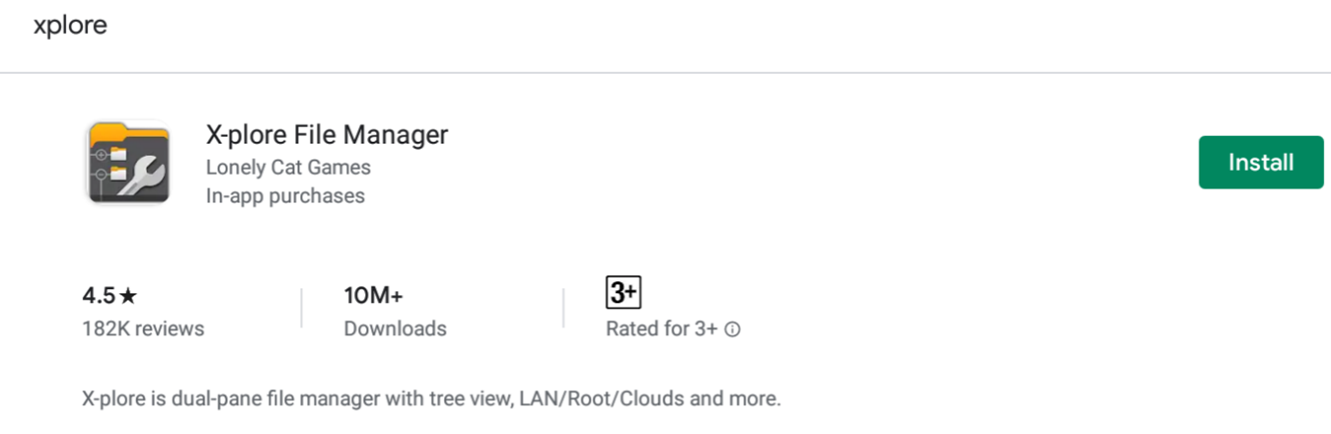
Step 4: Open Google Play and install Xplore (File Manager)
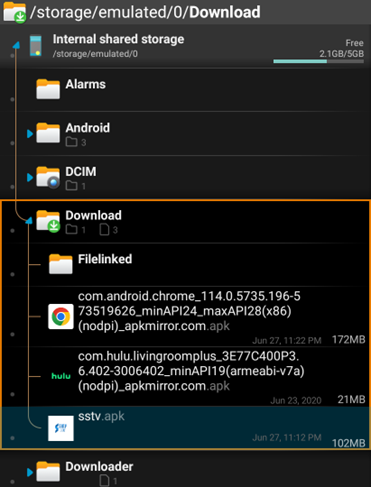
Step 5: Open the app, and search for the downloaded sstv.apk file.
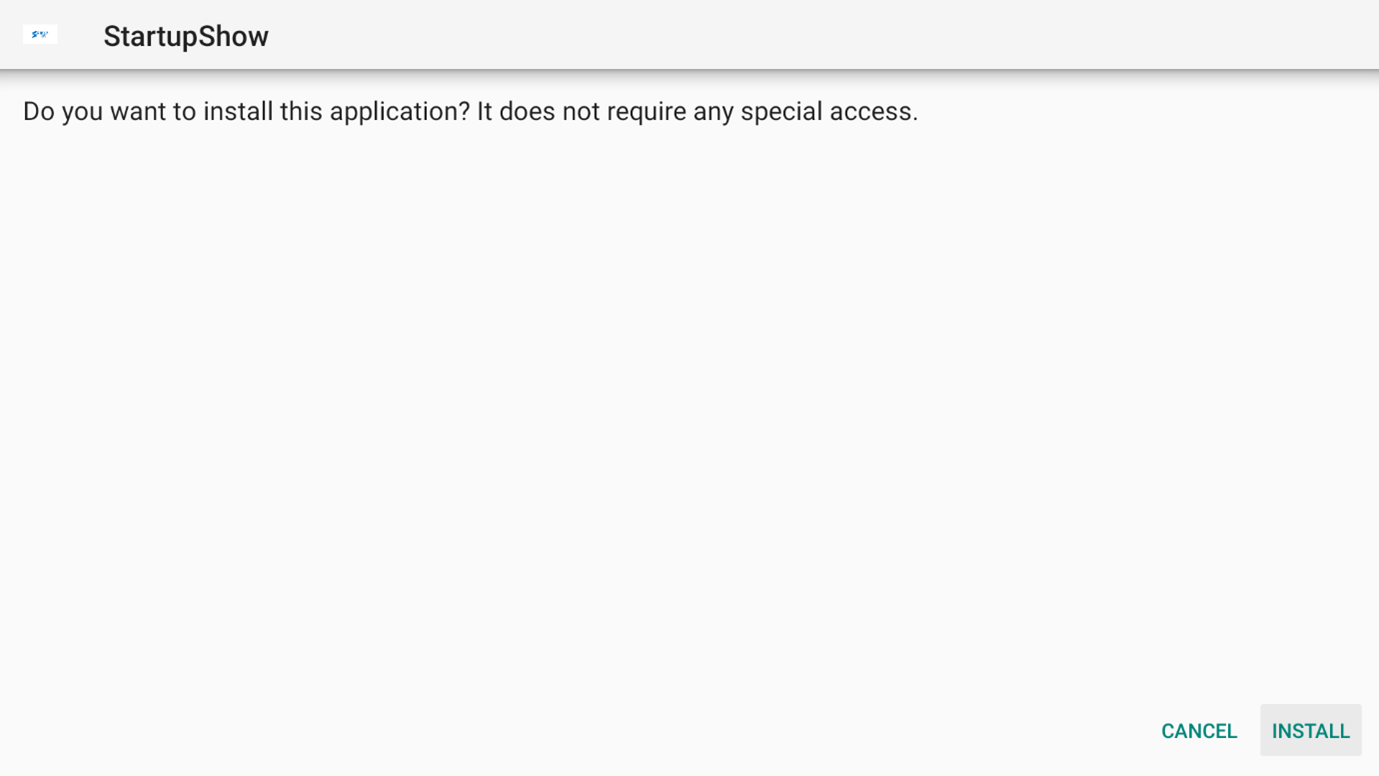
Step 6: Once you clicked it, it should open the Install Wizard, Click on Install.
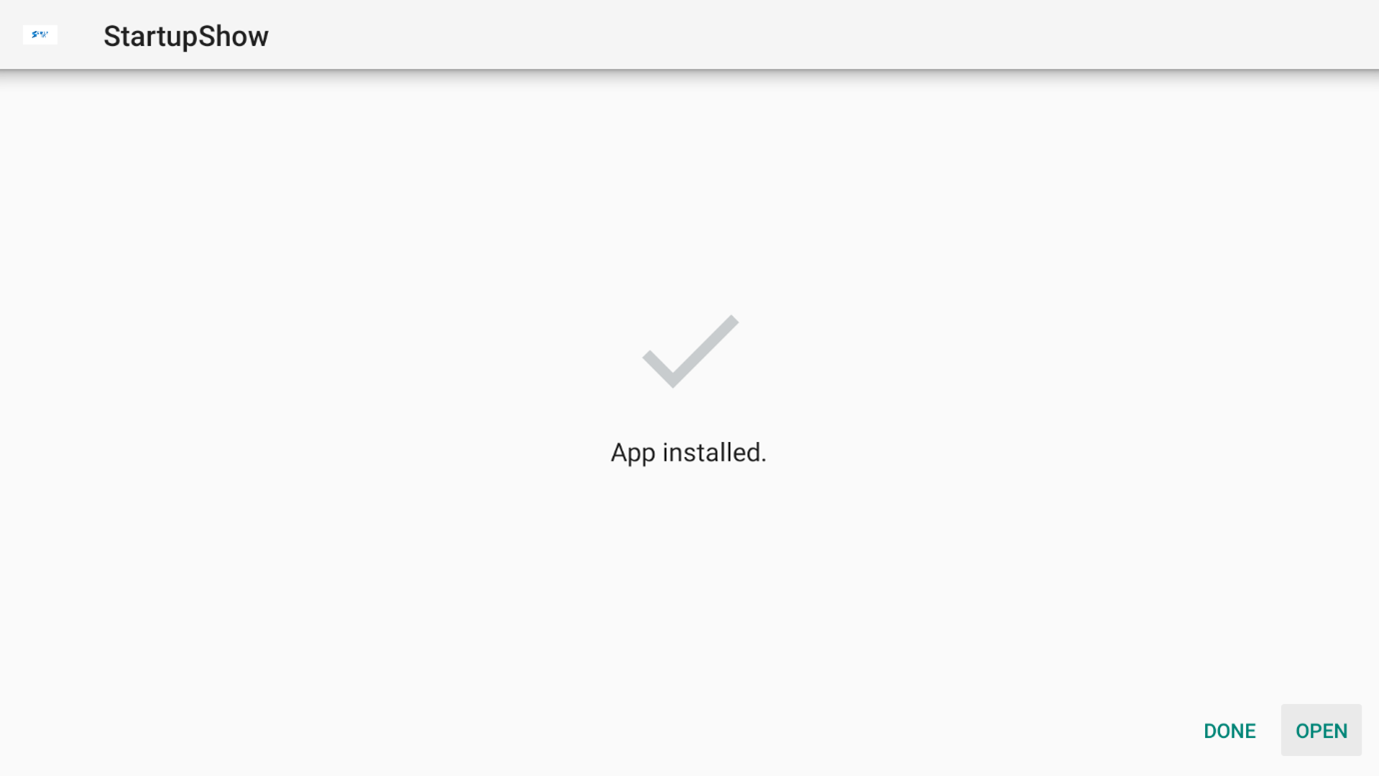
Step 7: Once it finishes installing, click on Open
Step 8: Use your remote to enter your M3U URL link in the [M3U URL] field (Top line)
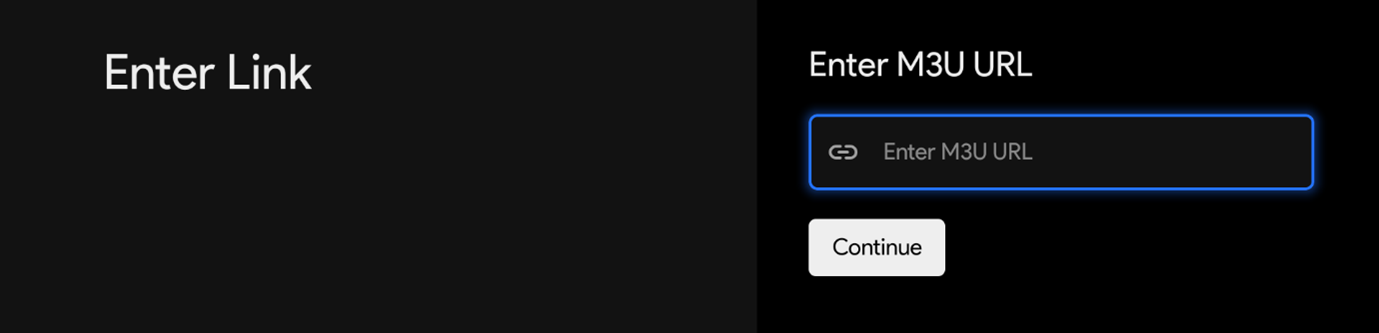
Step 9: After entering your M3U URL link click CONTINUE