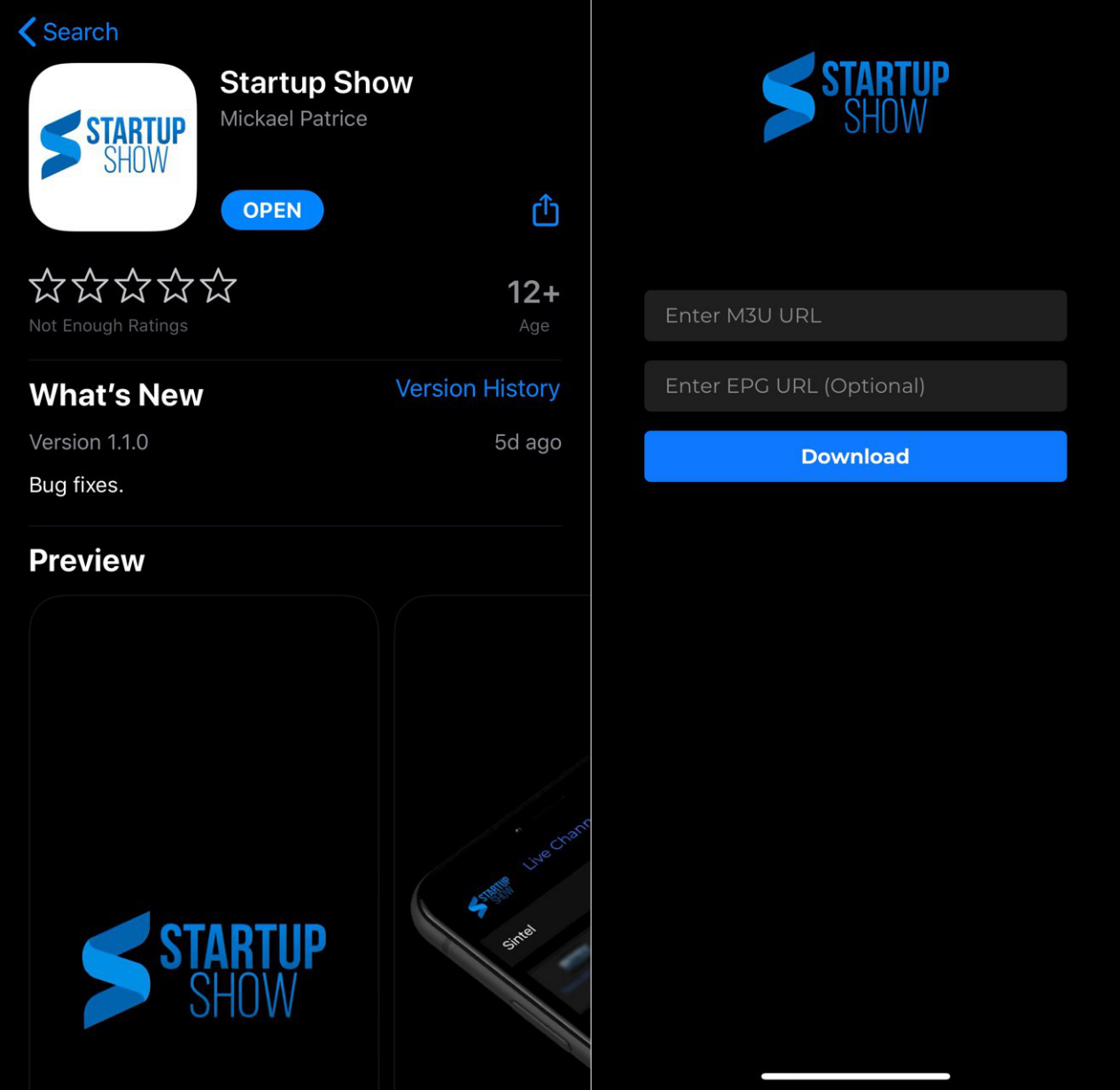
Step 1: Open the App Store on your iPhone, iPad or Apple TV
Step 2: Search for Startup Show and install the app
Step 3: Open Startup Show
Step 4: Type or paste the following link exactly as shown (replace with your own credentials):
loginme.best/api/list/EMAIL/PASSWORD
Example: Tom's account info is:
Email: tom34@gmail.com
Password: fYB834
The full link will look like:
loginme.best/api/list/tom34@gmail.com/fYB834
Step 5: Tap Continue / Login
Note: If you are unable to login, try adding https:// at the beginning:
https://loginme.best/api/list/EMAIL/PASSWORD