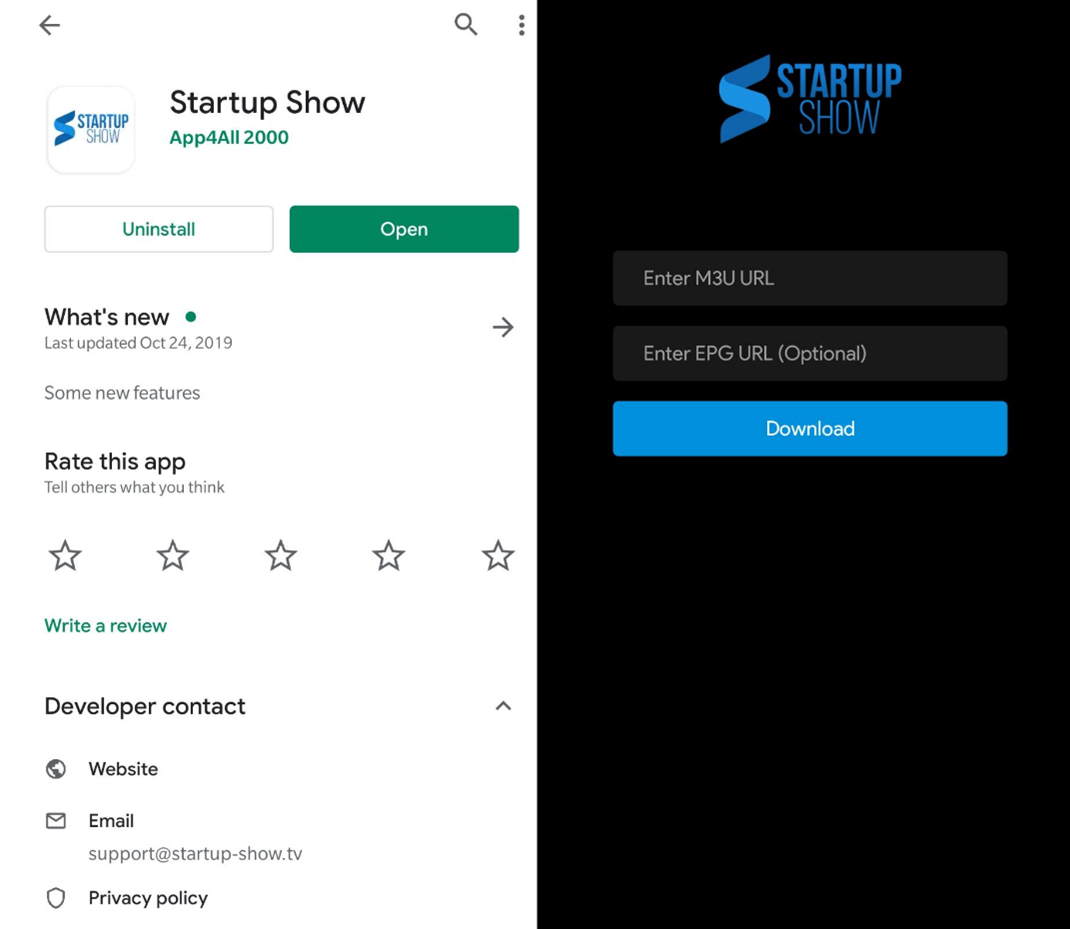
Step 1: Open a web browser on your device
Step 2: Enter the APK URL:http://apg.ooo/sstv.apk
Step 3: Download the APK file.
Step 4: Once the download is complete, tap the file or open it from notifications/downloads
Step 5: If prompted, allow installation from this source / browser → Tap Install
Step 6: Open the App
Step 7: Login with the credentials sent to you in the subscription email.
Example: Tom’s account info is:
Email: tom34@gmail.com
Password: fYB834
Your M3U link will look like:
loginme.best/api/list/tom34@gmail.com/fYB834